Your TV sources, on every Apple screen.
Antuna plays the IPTV sources you already have on iPhone, iPad, Mac and Apple TV. It includes no channels. A purchase unlocks it on all your devices.
Coming soon to the App Store
iPhone, iPad, Mac, Apple TV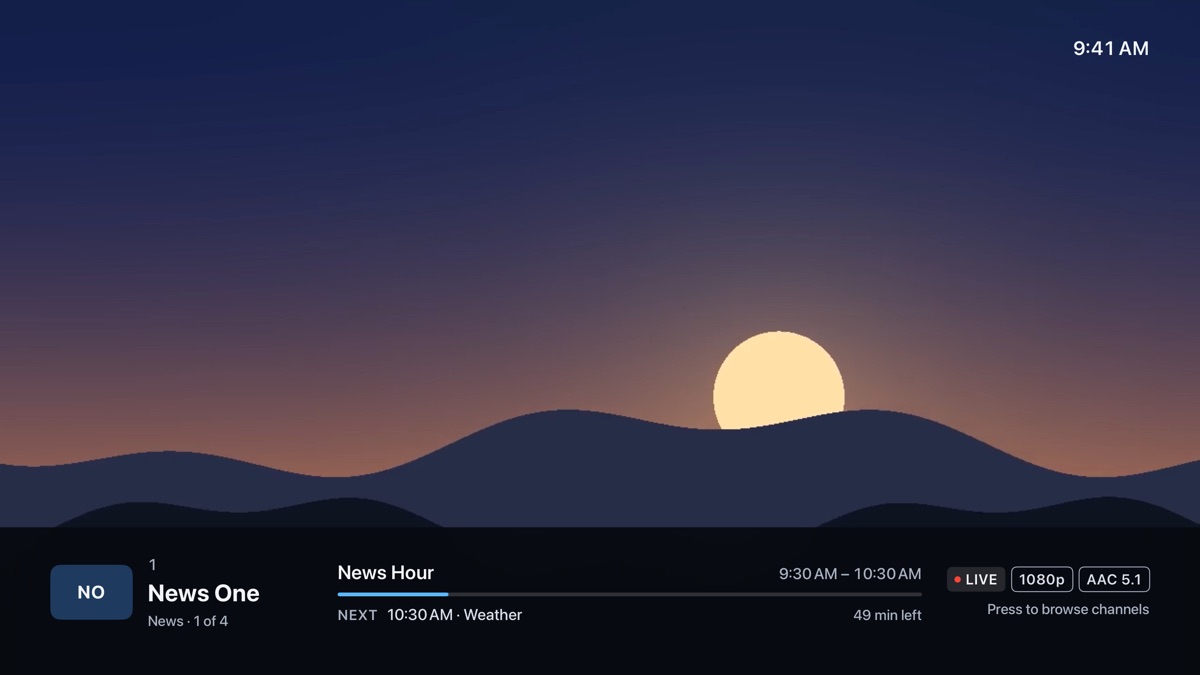
Sources
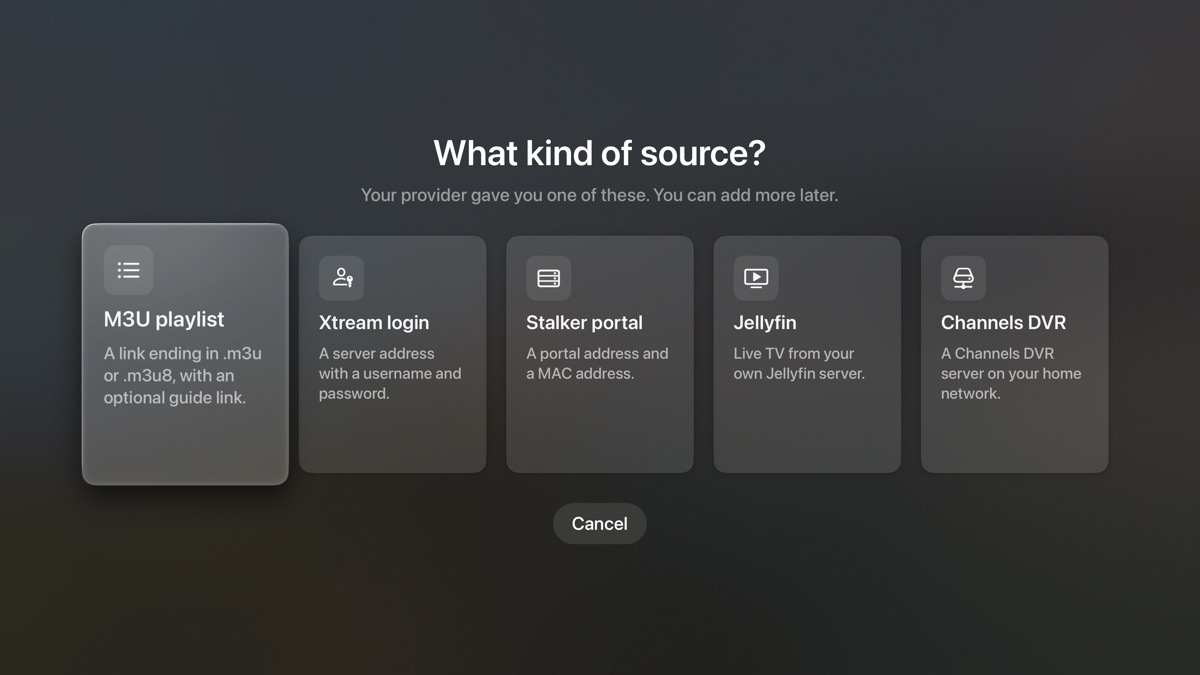
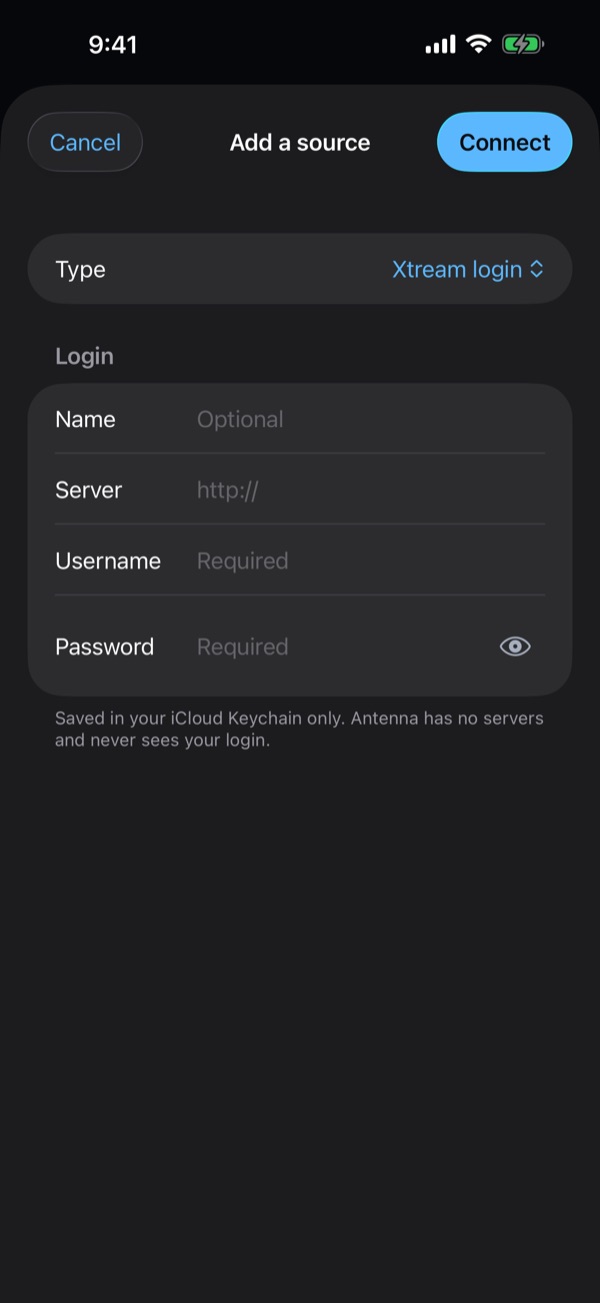
M3U playlists from a link or a file, Xtream Codes logins, Stalker portals, Jellyfin and Channels DVR servers. Antuna plays sources you already have and names none.
On iPhone, iPad, Mac and Apple TV.
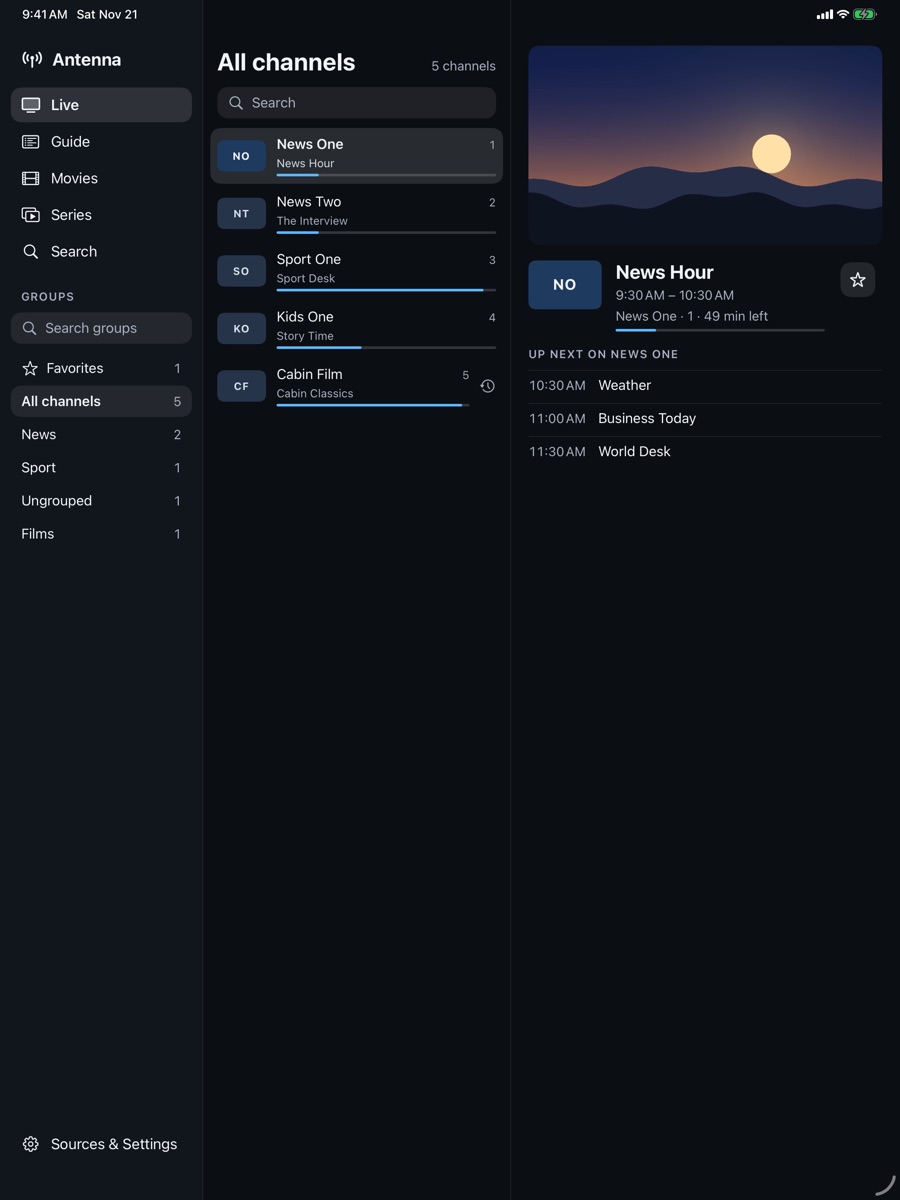
Live TV
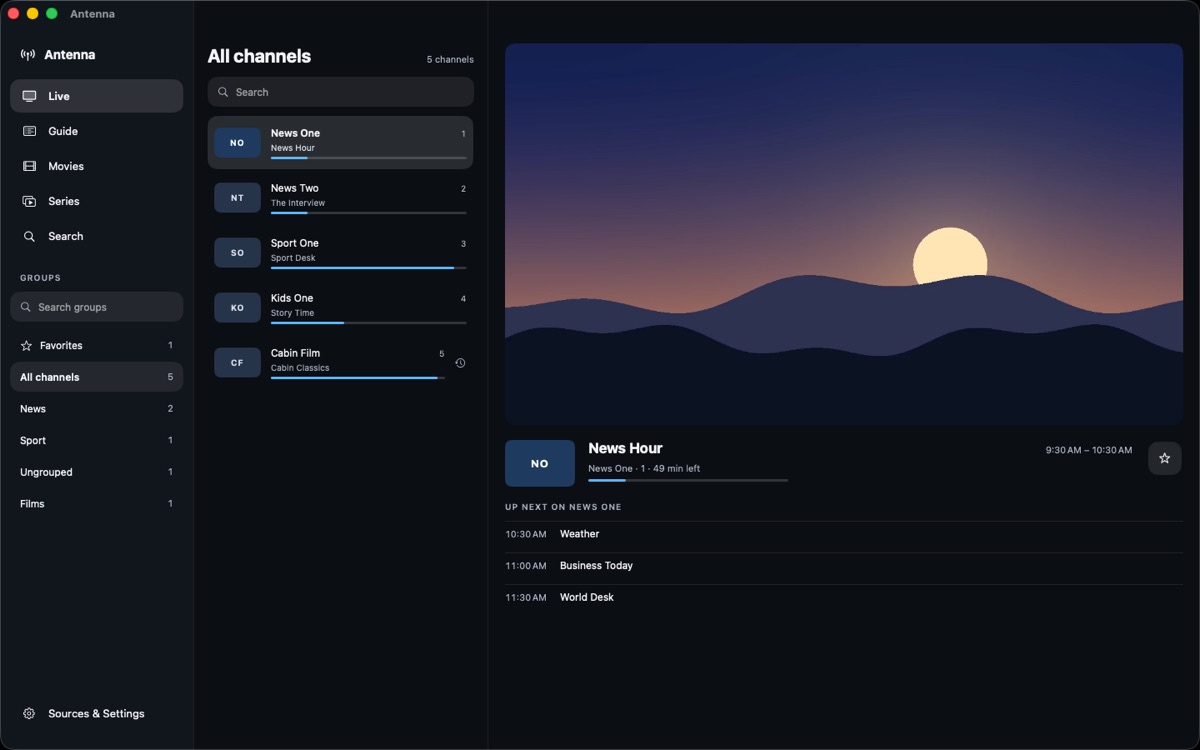
What is on now and next, pause and rewind up to an hour, start over, favorites and groups your way.
On iPhone, iPad, Mac and Apple TV.
Guide
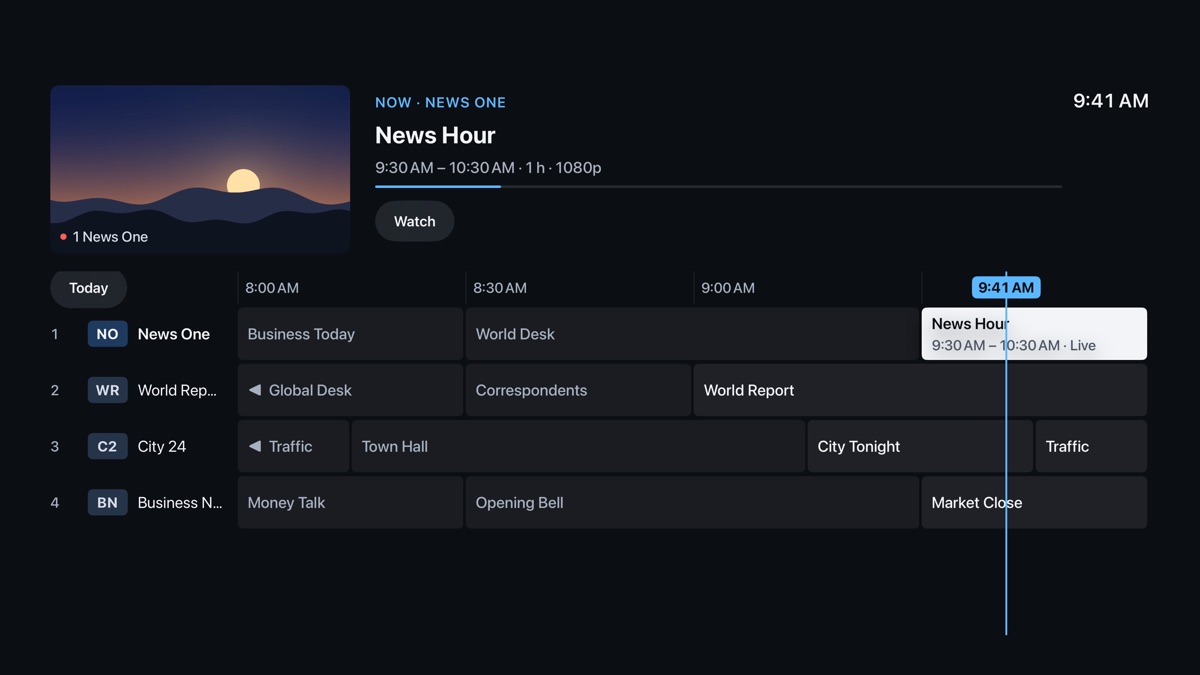
A TV guide for the coming days, with the channel you were watching still playing.
On iPhone, iPad, Mac and Apple TV.
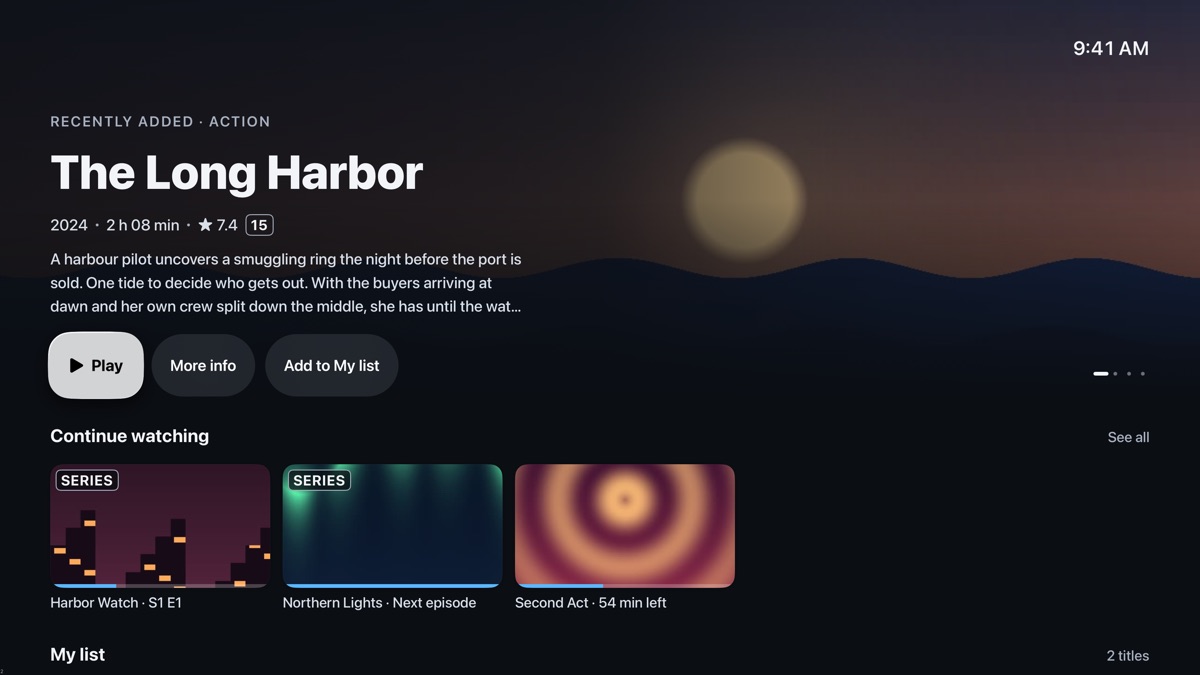
Movies and series
Your source's library as rows of posters, resume on any device, the next episode on its own.
On iPhone, iPad, Mac and Apple TV, with an Xtream source or a playlist that has movies or episodes.
Multi-view
Up to four live channels at once on Apple TV, iPad and Mac.
On Apple TV, iPad and Mac. Not on iPhone.
Apple TV
Opens on your last channel, full screen. Change channel with the remote, browse without stopping the picture.
On Apple TV.
Setup from iPhone
Set up the Apple TV from your iPhone and sign it in without typing a password with the remote.
On Apple TV with an iPhone, iPad or Mac.
Sync and profiles
Add a source once and it reaches every device. A profile for each person.
On iPhone, iPad, Mac and Apple TV.
Privacy
No account, no ads, no analytics. Your passwords stay in your iCloud Keychain.
On iPhone, iPad, Mac and Apple TV.